7 AI lesson formats that beat another video
2026-07-07 · The alltutors.ai team
TL;DR
- An AI lesson does not have to be a chat window or a video. There are seven formats a learner can actually use, and each one does a different job.
- Podcast for a walk, reading for a story, comic for an idea told in panels, lecture for narrated slides: passive formats built to still move.
- Variety and interaction get a learner to the end. More content doesn't. Mix the formats and completion follows.
An AI lesson is not a chat window
Say "AI tutor" and most people picture one thing: a text box you type into, a wall of grey reply, repeat until you close the tab. That is the ceiling ChatGPT set, and it is a low ceiling. It is also why "make an AI course" so often lands as "another video course, but with a bot stapled on." Both share the same flaw. The learner sits still and receives.
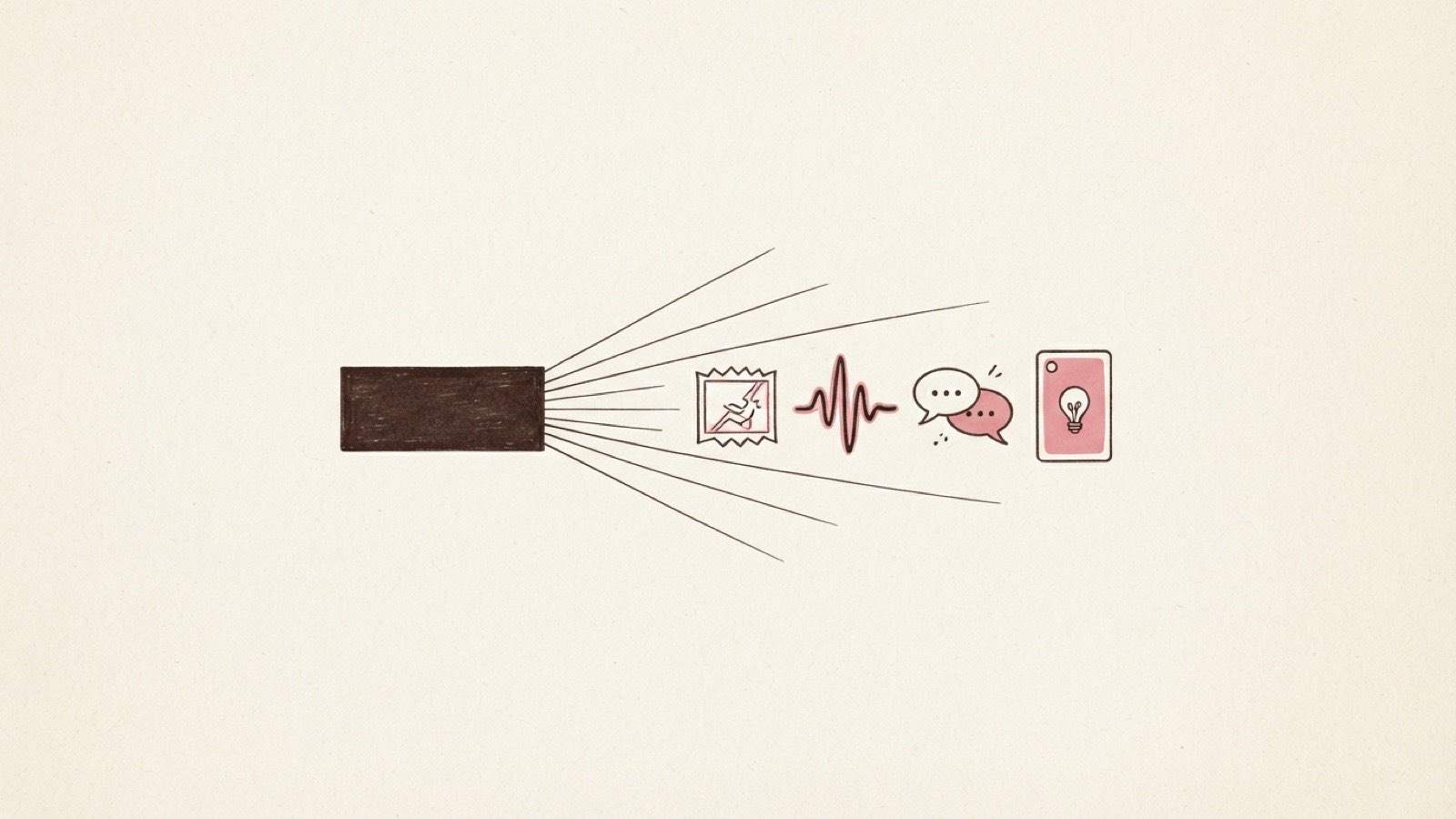
A lesson does not have to be passive. On alltutors.ai a lesson is a thing a learner uses, and there are seven formats available. Some read like a story. Others are quizzes with a timer and a combo counter, swipeable cards, or diagrams a learner explores. The format is not decoration. It decides whether a learner leans in or drifts off, and drifting off is the whole problem with the courses you are trying to beat. If you have watched a course die almost as soon as it started, you already know the content was never the issue. The delivery was.
This is a catalog of all seven, what each one is, and what each is best for.
The seven formats at a glance
Here is the full set, what each one is, and the job it does best.
| Format | What it is | Best for |
|---|---|---|
| Podcast | A two-voice audio episode | Learning on a walk or a commute, hands-free one-way stretches |
| Comic | An idea told as a story in image panels | A concept that lands better as a short narrative than a lecture |
| Quiz | Mixed question types with a timer, hearts, and a combo counter, graded on the server | Fast recall and self-check with a game loop that pulls a learner through |
| Flashcards | A swipe deck with spaced re-queue | Memorizing terms, definitions, and facts that need repetition |
| Reading | A paged story you move through | Narrative explanation and depth without a wall of scroll |
| Lecture | Narrated slides with a synced transcript | A guided walkthrough of a topic, read or listened to |
| Infographic | A tap-to-explore diagram, no image model so it generates fast | Structure, relationships, and how the parts of a thing fit together |
Seven formats, one study plan. A single tutor mixes them, so a learner does not do seven quizzes in a row or sit through four lectures back to back. The plan alternates. How to sequence that is its own craft, and we walk through it in the guide to designing a study plan.
For the one-way stretches, make them move
Some lessons are genuinely one-directional. The tutor explains, and the learner absorbs. That is fine. Even the passive formats here are built to hold attention better than a video does.
Podcast. A two-voice audio episode. Two voices trading a topic back and forth is easier to stay with than one flat narration, and audio goes where a screen cannot: a walk, a drive, the gym. If your students never do the reading, an episode they play on a commute is a way to get the material in front of them at all. Inside a company, it is how a rep absorbs new positioning between meetings instead of never opening the deck.
Reading. A paged story you move through. Not an endless scroll, not a PDF, but a sequence of pages, each one a beat. The paging matters more than it sounds. A wall of text gets abandoned. A page with a clear end gets finished, and then the next one does too. This is the format for narrative and for depth, the place to actually explain a thing rather than test it.
Comic. An idea told as a story in image panels. Some concepts stick when they stop being an explanation and become a story you watch unfold. A comic turns an abstract idea into a short narrative with characters and a shape, and it is the kind of thing a learner remembers a week later when the bullet points are long gone.
Lecture. Narrated slides with a synced transcript. This is the closest format to a video course, and it is the honest workhorse: a guided walkthrough, narrated, with the transcript scrolling in step so a learner can read along or read instead. Unlike a video, it sits in a plan next to an interactive quiz. The walkthrough is followed by something that checks it landed.
The ones that check whether it stuck
The last three are about recall and structure, the formats that turn "I watched it" into "I know it."
Quiz. One run mixes five question types: multiple-choice, true/false, type-in, order-the-steps, and fill-the-blank. A timer, a hearts system, and a combo counter turn a check into a game loop that actually pulls a learner forward. It is graded on the server, and the answer key never reaches the device. That is what makes a quiz something you can gate on. If you are a sales lead, it is how you confirm a rep is ready before they go customer-facing.
Flashcards. A swipe deck with spaced re-queue. Cards you swipe through, and the ones you miss come back sooner than the ones you nail. It is the oldest trick in memorization for a reason. It fits the raw facts a subject rests on: terms, definitions, the vocabulary a learner needs automatic before the harder stuff makes sense, or the product facts and objection lines a rep needs cold before a call.
Infographic. A tap-to-explore diagram. You tap parts of it to open them up, and because it uses no image model, it generates fast and stays sharp on any screen. This is the format for structure: how the pieces of a system connect. A rep seeing how the product fits together, or a fan taking in your framework at a glance. When the point is how this fits together, a diagram beats a paragraph.
Every one of these is grounded the same way the whole tutor is. The questions, the cards, the reading all trace back to the material you uploaded, so the tutor is testing your content, not a base model's guess at your topic. If you have not set that up yet, read how grounding actually works before you build.
Variety is what gets them to the end
Every one of these formats serves one thing: completion. Not more content. Most course buyers never finish, and the reason is not that the course was too short. Fifty minutes of one format in a row is a straight line to a closed tab.
Interaction changes the math. A learner who just finished a quiz, then swiped a deck, then talked a concept through with the tutor has been active the whole way, and active learners finish. Variety keeps the next lesson from feeling like the last one. That is the mechanism. It is why we keep saying completion is not competence: a video can be finished without a single idea landing, while a plan that makes a learner do things checks the landing as it goes. These are seven ways to make a learner do something. Doing sticks.
You do not pick one format and commit. A study plan mixes them, and the tutor drafts the mix for you based on what each lesson is trying to teach, which you then edit. A quiz where recall matters. A reading where the story matters. A podcast for the drive home. That range lives in one link you own, and the tutor keeps teaching while you are offline. A static course never did that for the people who signed up for it.
The fastest way to see it is to build one. Start a tutor with your own material and watch it draft lessons across these formats, then edit the mix until it feels right. If you are rolling this out to a team and want it shown to you first, book a walkthrough.
Frequently asked questions
Do I have to build every format myself?
No. You build a study plan by talking, and the tutor drafts lessons across these formats to fit what each one teaches. You review and edit the draft before anything publishes. You are picking and tuning, not authoring seven templates from scratch.
Is there a roleplay or a listening format?
Not in this list. The tutor can generate a role-play scenario as a written lesson, and listening became the podcast, which is the better version of it. Separately from the plan, a learner can always just talk to the tutor: it knows the course and what they have already been through.
Why is the infographic fast to generate when it looks visual?
It is a tap-to-explore diagram, not a rendered picture. It uses no image model, so it generates quickly and stays crisp on any screen. The comic is the format that tells an idea through image panels.